

The USB round trip
Every shift, every export, every analysis. Another trip between your equipment and your desk.
- Save
- Unplug
- Walk
- Copy
- Return
- Reconnect
Keep the equipment that already works. Connect NebulaDisk to its USB port and write directly to cloud storage—without giving the host device a network connection.
See the eBay listing for current pricing, availability and delivery options. Unsure about compatibility? Ask us before buying.
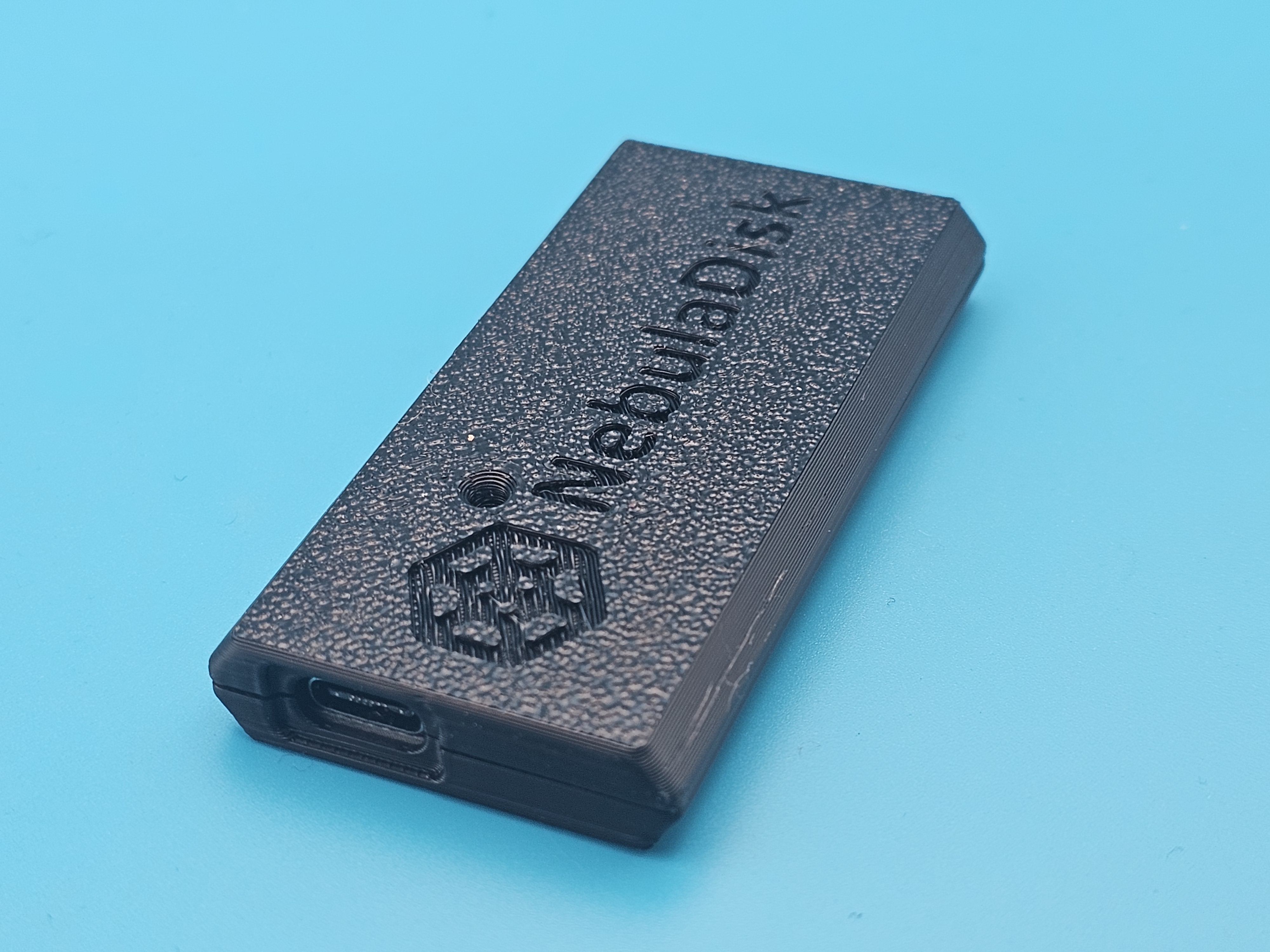
Save, unplug, walk to a computer, copy, return and reconnect. NebulaDisk removes that repeated USB journey from your file-transfer workflow.
Every shift, every export, every analysis. Another trip between your equipment and your desk.
Your equipment writes through USB. You access the cloud files from where you work.
Add a route to cloud storage for compatible USB-equipped instruments and machines without replacing them just to obtain network access.
Make files available remotely from your workstation instead of collecting a USB drive from the equipment.
Configure the USB capacity presented to your device and change the disk contents to suit your operation.
Your device writes through USB. NebulaDisk sends those writes directly to cloud storage through its own network connection, without intermediate buffering.
Connect NebulaDisk to compatible equipment through USB. The host sees a storage device, with no additional software to install on the equipment.
Set up NebulaDisk's network connection and use the management platform to configure disk capacity, encryption and access settings for your workflow.
Access cloud files through WebDAV from your workstation or server. NebulaDisk stays connected; the host equipment does not need network access.

Explore workflows where USB exports create extra handling. Suitability depends on the model, filesystem and read/write behavior—not just the presence of a USB port.
Review USB export workflows for balances, meters and analytical instruments. Access results without collecting a drive.
Discuss data loggers, metrology equipment and legacy machines that rely on USB storage for file transfers.
Explore file collection from monitoring and laboratory equipment, with a review of your security and regulatory requirements.
Give compatible equipment a route to cloud storage without adding a network connection to the host itself.
Explore the product, then tell us where it fits into your daily workflow.
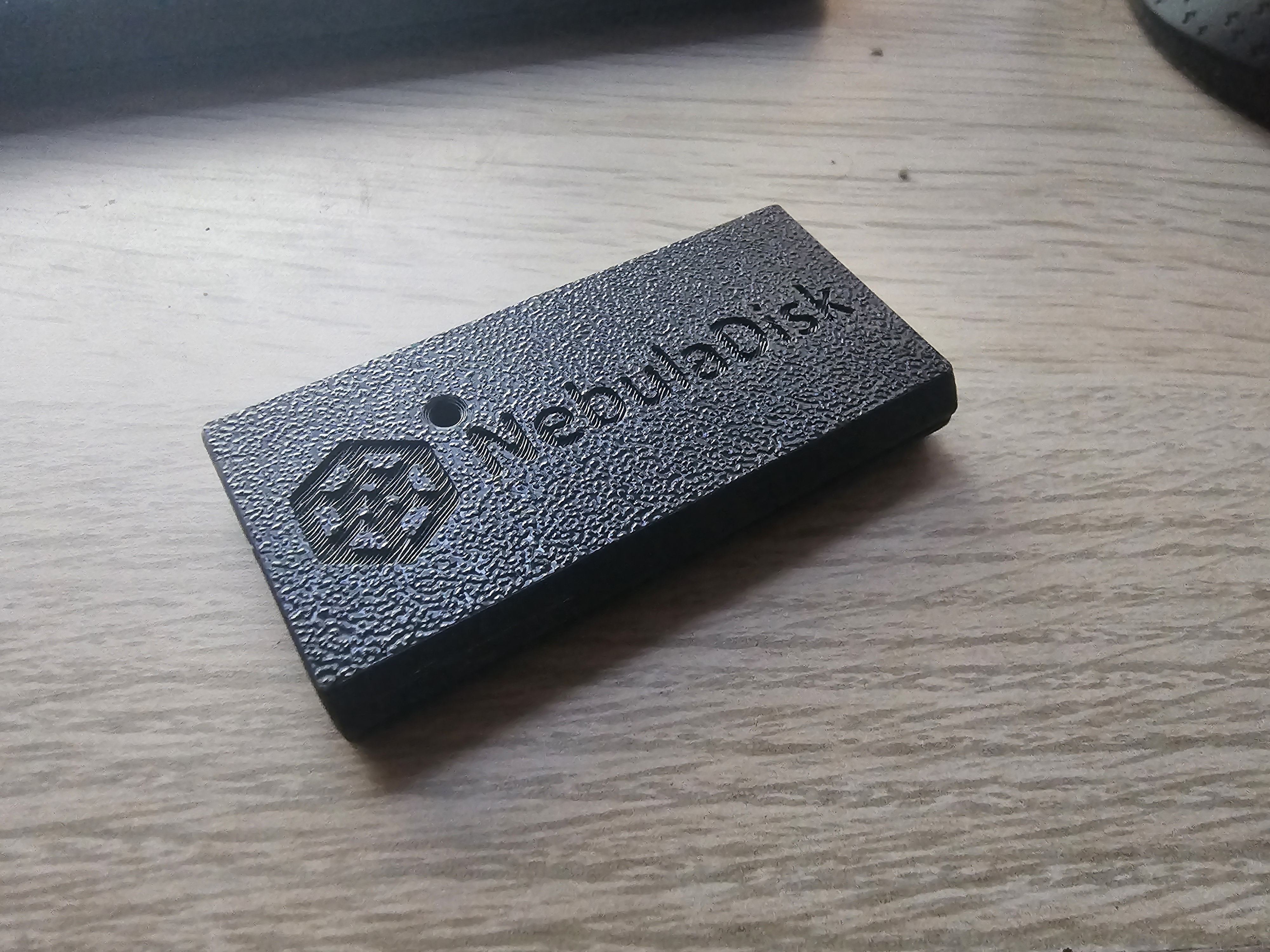
Configure how access is approved and how your data is encrypted, with controls that go beyond a conventional USB drive.
Buy the hardware on eBay, check your equipment's compatibility, or talk to us about a larger deployment.
Bring direct cloud storage to compatible equipment through its USB port.
Make sure NebulaDisk suits the way your instrument or machine uses USB storage.
Discuss the functionality, branding and controls your organization needs.
Check the eBay listing for the device offered, current price, shipping and returns. Contact us about cloud-service requirements and costs.
No. The host equipment communicates through USB. NebulaDisk uses its own network connection to access cloud storage.
No. Writes go directly to cloud storage without intermediate buffering or a later synchronization step. An active NebulaDisk network connection is required for cloud writes.
No routine unplugging is needed to access files remotely. NebulaDisk stays connected to the equipment while you access its cloud storage from your workstation.
Yes. The USB disk capacity presented to the host is configurable. The appropriate configuration depends on your device's storage requirements and supported limits.
Compatibility depends on how your equipment uses USB storage, its filesystem requirements and its read/write behavior. Send us the manufacturer, model and a description of your workflow so we can discuss suitability.
Cloud storage can be accessed through WebDAV, including as a mounted drive on supported operating systems. The setup depends on your workstation and access configuration.
You can change access settings remotely to deny future cloud access, even while the device is unpowered. Encryption and read-approval settings provide additional controls. Revocation does not remove copies of files already retrieved.
Hardware and cloud-service requirements should be reviewed separately. Check the eBay listing for exactly what your purchase includes, and contact us about service setup, deployment options and ongoing costs before ordering.
Put NebulaDisk to work with your compatible equipment. View the current offer on eBay, or ask us about your device before you buy.